



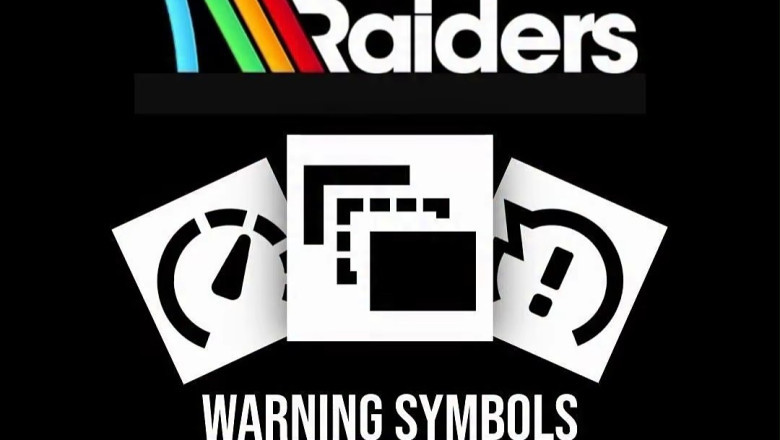


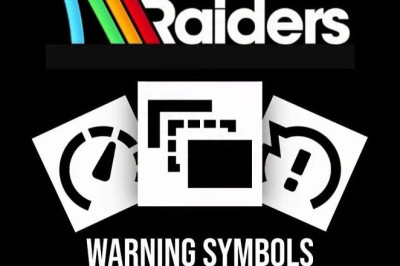
The images you saw break these warnings into distinct categories. Below is a practical explanation of each symbol, what’s happening under the hood, and what actions actually help.
Shader Stutter
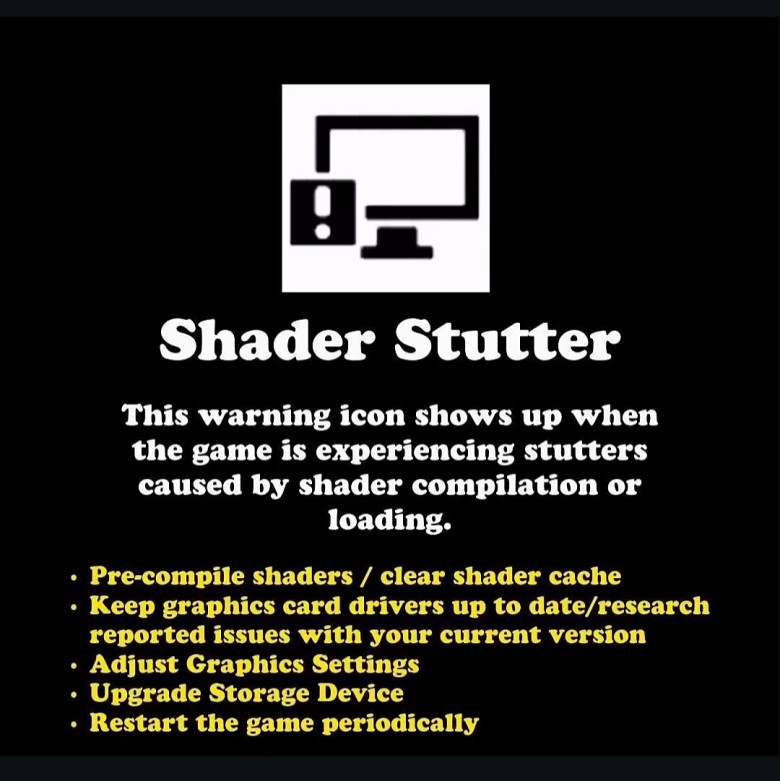
What it means:
Your system is compiling or loading shaders while the game is running. This causes short freezes or hitching, especially when entering new areas or seeing effects for the first time.
Why it happens:
- Shaders weren’t precompiled
- Slow storage (HDD instead of SSD)
- Driver shader cache issues
- What helps:
Enable shader pre-compilation if available
- Update GPU drivers (and avoid known bad versions)
- Install the game on an SSD
- Restart the game after long sessions
This is a local PC issue, not a network problem.
Server Performance
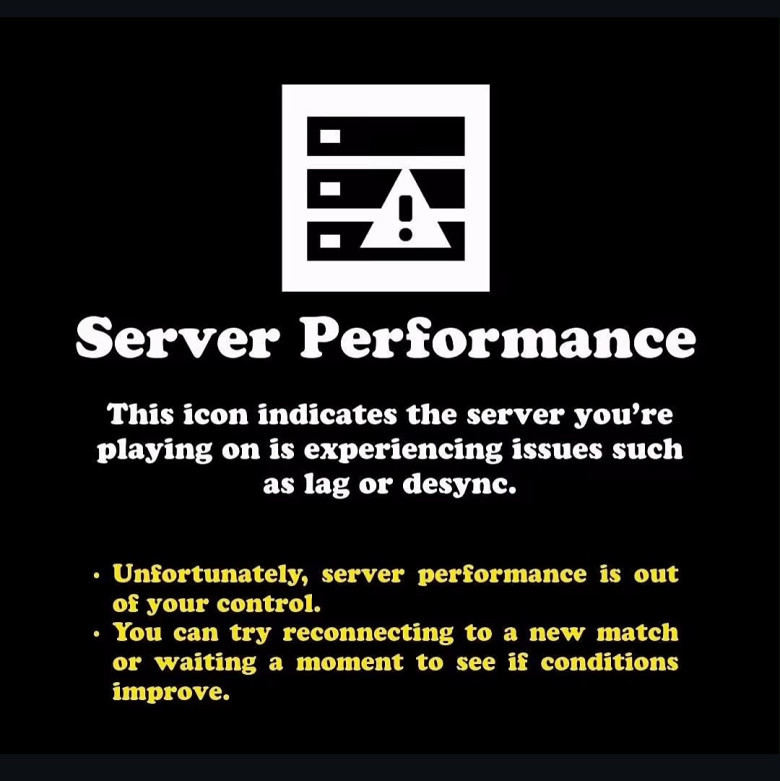
What it means:
The server you’re connected to is struggling. This can cause lag, rubberbanding, or desync even if your PC and internet are fine.
Why it happens:
- Server overload
- Backend issues
- Temporary instability during high player activity
What helps:
Honestly? Not much.
- Requeue into a new match
- Wait a few minutes and try again
This one is entirely server-side.
Client Performance
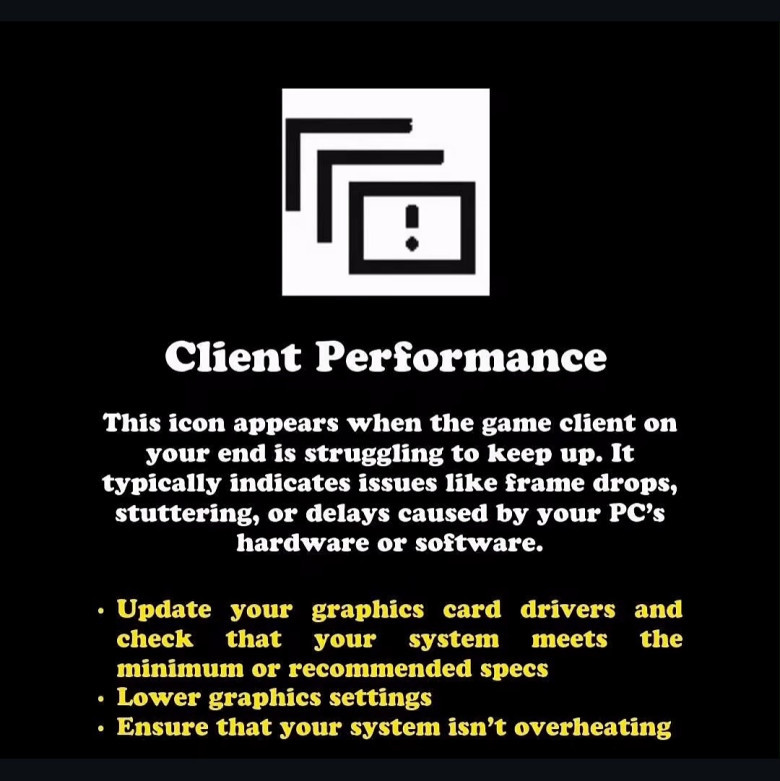
What it means:
Your system can’t keep up with what the game is asking it to do.
Common causes:
- Low or unstable frame rates
- Thermal throttling
- Insufficient hardware
- Background processes eating resources
What helps:
- Lower graphics settings
- Update GPU drivers
- Check temperatures and cooling
- Close background apps
- Verify your PC meets recommended specs
This icon is the game politely saying: your machine is the bottleneck right now.
High Jitter
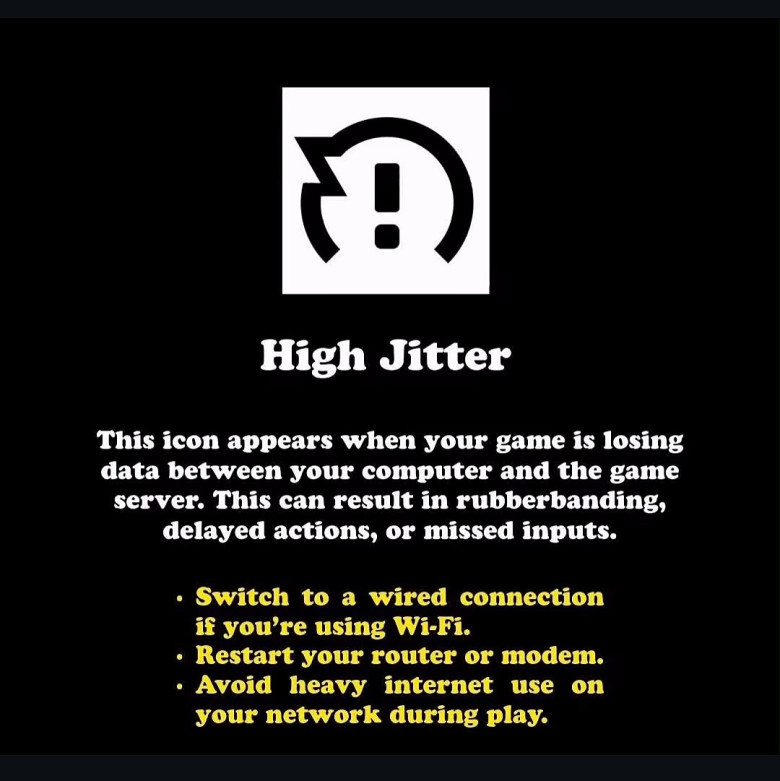
What it means:
Your connection is unstable. Data packets are arriving inconsistently, even if your average ping looks fine.
Symptoms:
- Rubberbanding
- Missed or delayed inputs
- Inconsistent movement or combat feedback
What helps:
- Use a wired Ethernet connection
- Restart your router/modem
- Avoid heavy network usage while playing
- Jitter is often worse than high ping because it’s unpredictable.
High Latency (Ping)
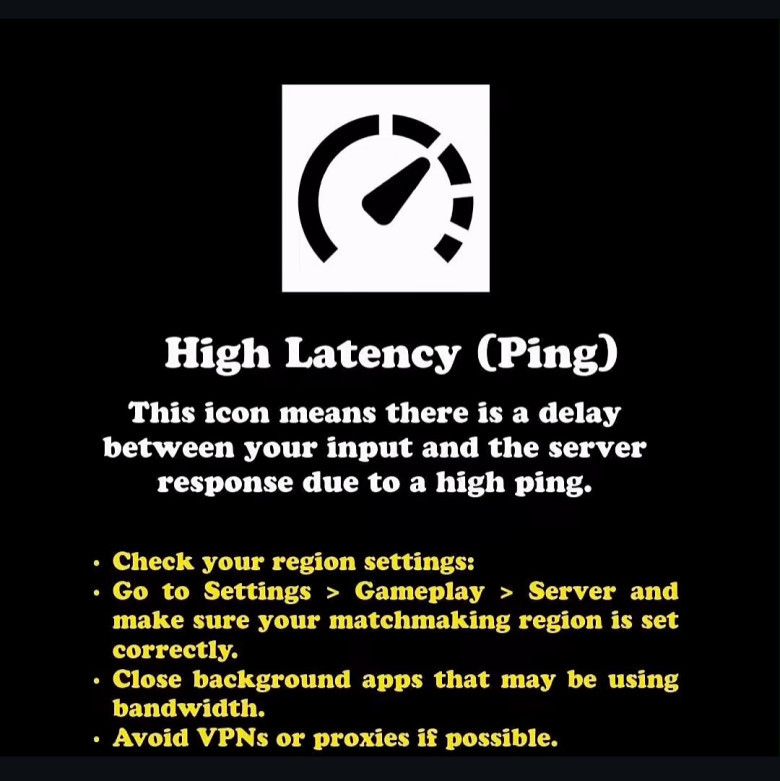
What it means:
There’s a consistent delay between your inputs and the server’s response.
Common causes:
- Playing on the wrong region
- VPNs or proxies
- Background downloads
What helps:
- Check matchmaking region settings
- Disable VPNs
- Close bandwidth-heavy apps
High ping is noticeable, but at least it’s consistent - unlike jitter.
Packet Loss
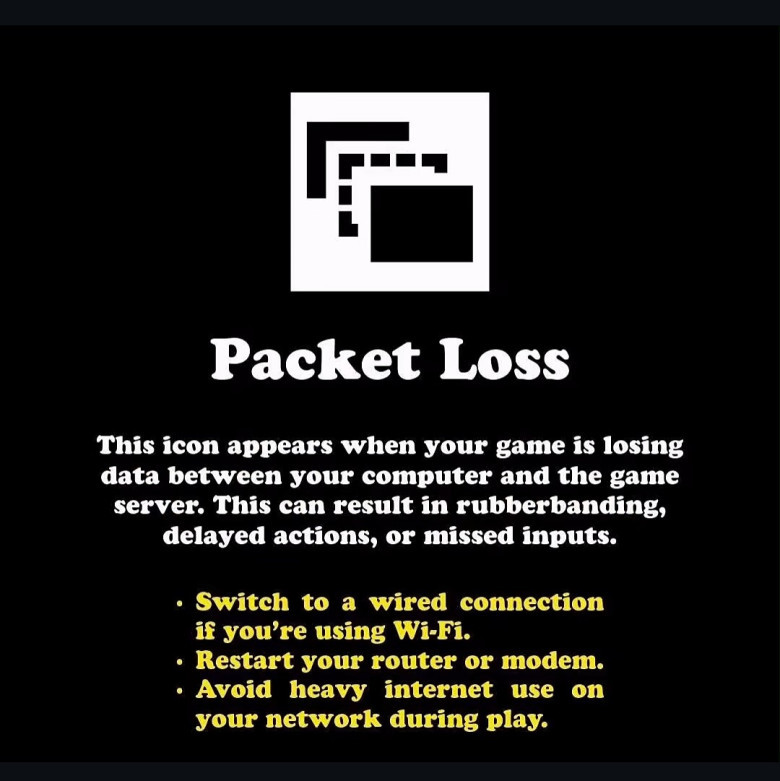
What it means:
Some data packets never reach the server (or never make it back to you).
Symptoms:
- Rubberbanding
- Missed shots or actions
- Sudden position corrections
What helps:
- Wired connection instead of Wi-Fi
- Restart networking hardware
- Reduce network congestion
Packet loss is one of the most disruptive issues and often originates outside the game entirely.
Why These Icons Matter
The important thing about these warnings is clarity. They tell you:
- Whether the problem is you, the server, or the network
- Whether tweaking settings will help, or won’t
- When it’s pointless to troubleshoot because the issue is out of your control
- That alone saves players hours of frustration and guesswork.
Not all “lag” is the same, and ARC Raiders does a solid job of distinguishing between rendering issues, client performance limits, and real network problems. If you learn to recognize these symbols, you’ll know when to tweak settings, and when to stop blaming yourself for something the server needs to fix.























Comments
0 comment